> ## Documentation Index
> Fetch the complete documentation index at: https://docs.wayak.io/llms.txt
> Use this file to discover all available pages before exploring further.
# App integrations
> Connect agents to the tools your team already uses
App integrations let your Wayak agents interact with the tools your team works in every day. Instead of switching to Wayak to get answers, your team can access the agent where they already are.
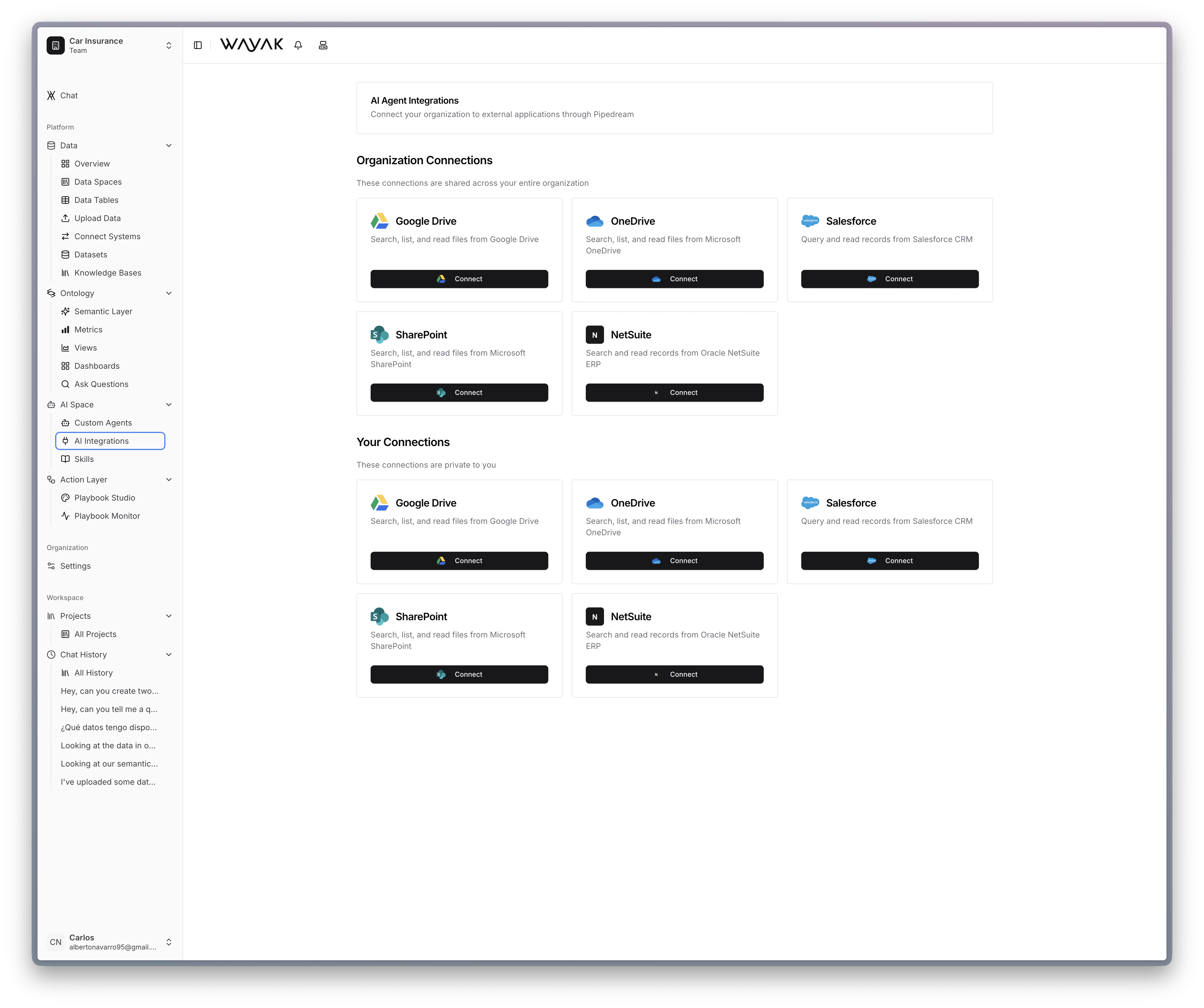 ## How integrations work
An app integration connects a Wayak agent to an external platform. The agent can:
* **Receive messages** from the platform (a Slack message, an email, a webhook)
* **Respond** with data-driven answers using your connected data sources and ontology
* **Take actions** in the platform (post a message, update a record, trigger a workflow)
## Integration types
Integrations fall into two categories:
| Type | Description | Examples |
| ------------- | ----------------------------------------------------------- | -------------------------------- |
| **Messaging** | Users interact with the agent through a chat interface | Slack, Microsoft Teams, web chat |
| **Action** | The agent pushes data or triggers actions in external tools | Email, webhooks, CRM updates |
Both types use the same underlying agent — the integration just determines where the conversation happens and what actions are available.
## How integrations work
An app integration connects a Wayak agent to an external platform. The agent can:
* **Receive messages** from the platform (a Slack message, an email, a webhook)
* **Respond** with data-driven answers using your connected data sources and ontology
* **Take actions** in the platform (post a message, update a record, trigger a workflow)
## Integration types
Integrations fall into two categories:
| Type | Description | Examples |
| ------------- | ----------------------------------------------------------- | -------------------------------- |
| **Messaging** | Users interact with the agent through a chat interface | Slack, Microsoft Teams, web chat |
| **Action** | The agent pushes data or triggers actions in external tools | Email, webhooks, CRM updates |
Both types use the same underlying agent — the integration just determines where the conversation happens and what actions are available.