> ## Documentation Index
> Fetch the complete documentation index at: https://docs.wayak.io/llms.txt
> Use this file to discover all available pages before exploring further.
# What is a playbook?
> Automated workflows that chain data, logic, and actions together
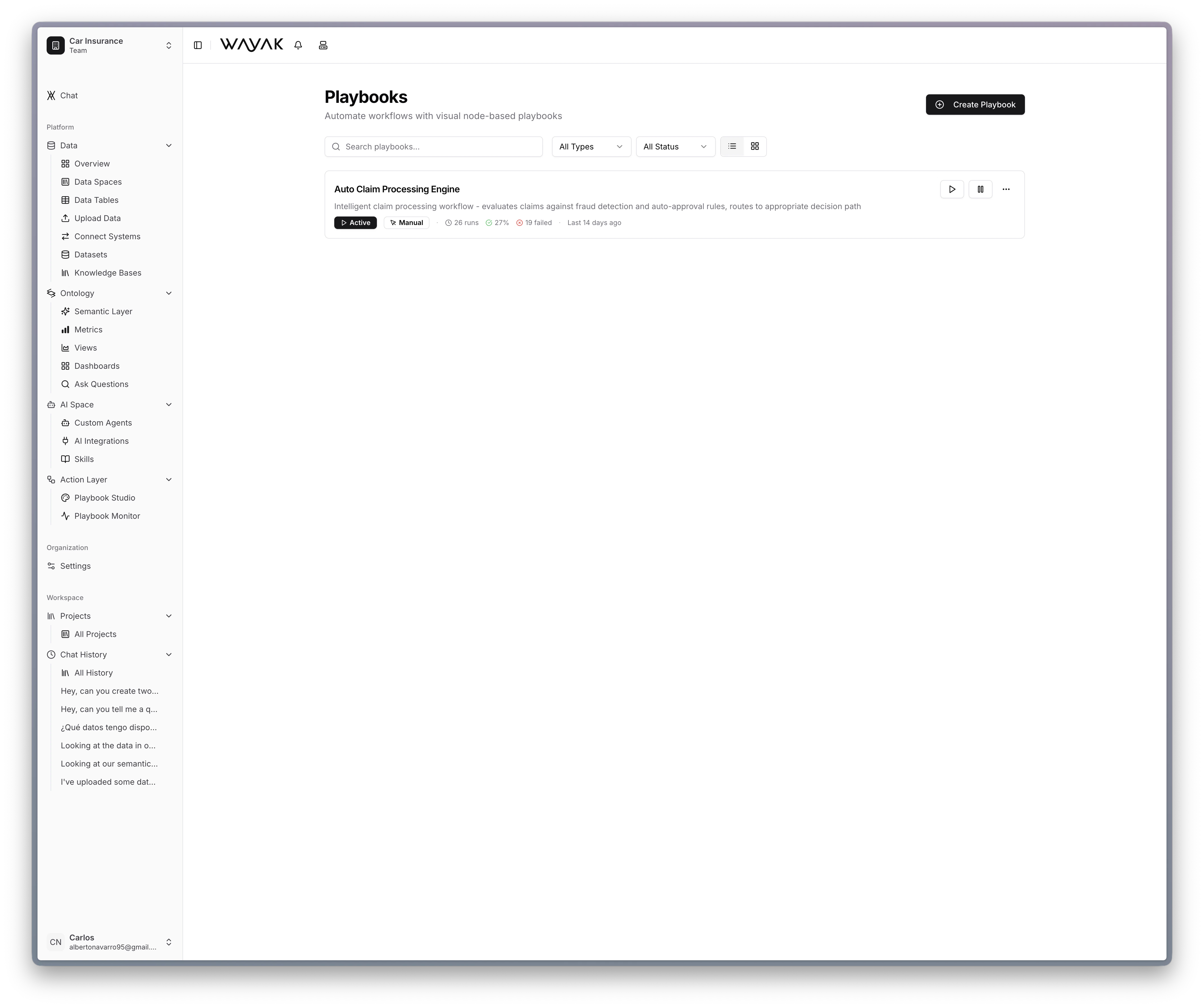
A playbook is an automation in Wayak. It defines a sequence of steps that run automatically — triggered by a schedule, an event, or a user request. Playbooks chain together data queries, logic, agent skills, and actions into end-to-end workflows.
 ## Playbooks vs. skills
A skill is a single capability — one action the agent can do. A playbook is a full workflow that can use multiple skills, branch on conditions, loop over data, and orchestrate complex processes.
| | Skill | Playbook |
| -------------- | -------------------- | -------------------------------------------------------------------------------------------- |
| **Scope** | Single action | Multi-step workflow |
| **Complexity** | Simple | Can include branching, loops, conditions |
| **Trigger** | Usually user request | Schedule, event, or user request |
| **Example** | "Look up a customer" | "Every Monday, check all overdue invoices, email each customer, and post a summary to Slack" |
## What playbooks can do
* **Query data** from any connected data source
* **Read documents** from knowledge bases
* **Apply logic** — conditions, filters, loops, branching
* **Call skills** — trigger agent capabilities as steps
* **Deliver results** — send emails, post to Slack, update records, call webhooks
## When to use playbooks
Use a playbook when you want something to happen automatically and reliably, without someone having to ask the agent every time. Common examples:
* Weekly reports generated and delivered on Monday morning
* Alerts when a metric crosses a threshold
* Data quality checks that run after every sync
* Onboarding sequences triggered when a new customer is created
## Playbooks vs. skills
A skill is a single capability — one action the agent can do. A playbook is a full workflow that can use multiple skills, branch on conditions, loop over data, and orchestrate complex processes.
| | Skill | Playbook |
| -------------- | -------------------- | -------------------------------------------------------------------------------------------- |
| **Scope** | Single action | Multi-step workflow |
| **Complexity** | Simple | Can include branching, loops, conditions |
| **Trigger** | Usually user request | Schedule, event, or user request |
| **Example** | "Look up a customer" | "Every Monday, check all overdue invoices, email each customer, and post a summary to Slack" |
## What playbooks can do
* **Query data** from any connected data source
* **Read documents** from knowledge bases
* **Apply logic** — conditions, filters, loops, branching
* **Call skills** — trigger agent capabilities as steps
* **Deliver results** — send emails, post to Slack, update records, call webhooks
## When to use playbooks
Use a playbook when you want something to happen automatically and reliably, without someone having to ask the agent every time. Common examples:
* Weekly reports generated and delivered on Monday morning
* Alerts when a metric crosses a threshold
* Data quality checks that run after every sync
* Onboarding sequences triggered when a new customer is created