Get your data connected and your first agent conversation running
Get Wayak up and running in three steps: connect a data source, set up a knowledge space, and ask your first question.
Connect a data source
Start by connecting your first data source. This gives the agent access to your structured data.
Navigate to Data Sources in the Wayak dashboard
Choose your connection type — database, API, or file upload
Enter your connection details and test the connection
Wayak automatically introspects your schema
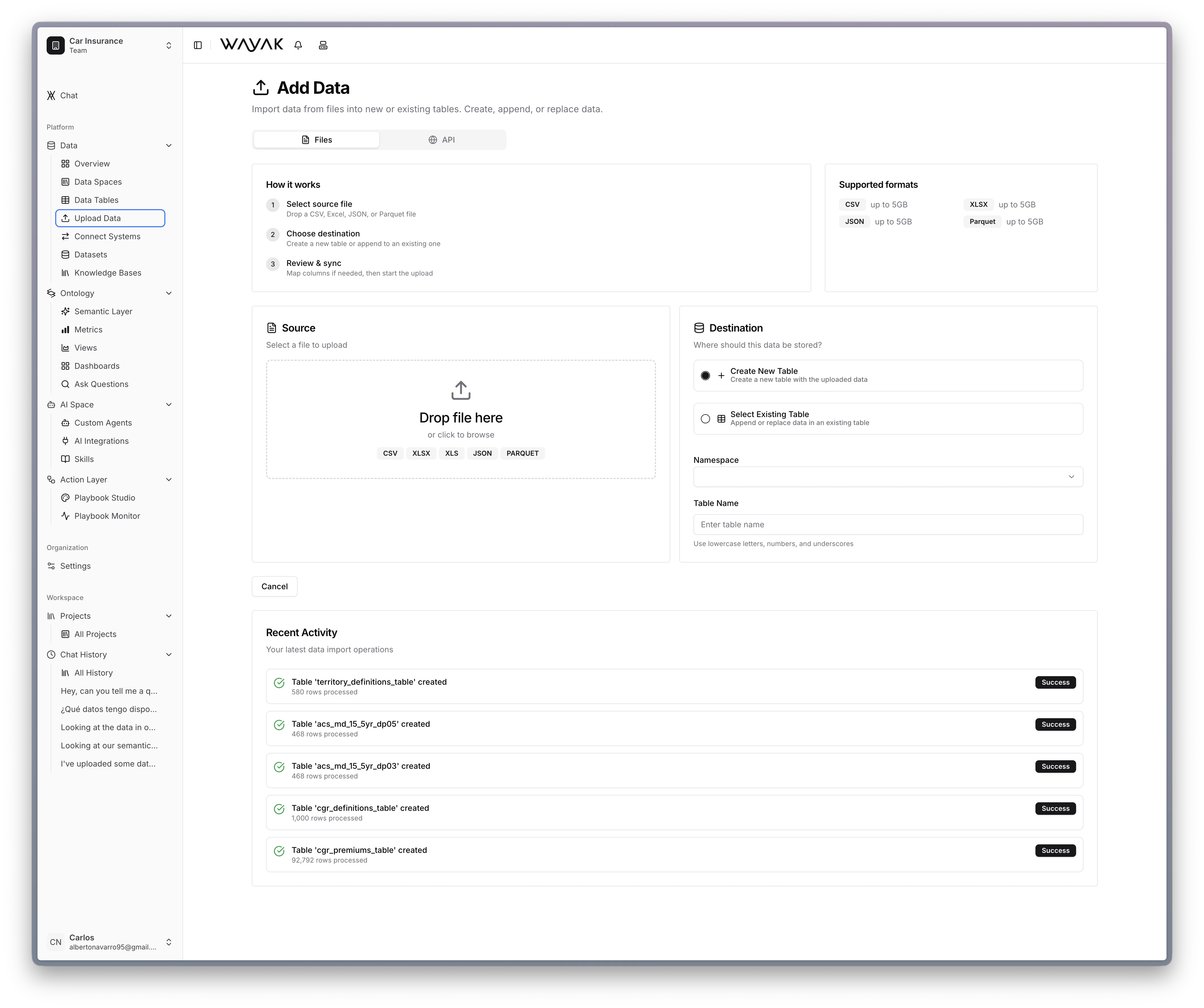
Upload files directly through the Wayak dashboard
The built-in lakehouse is the fastest way to get started — just drag and drop a CSV or Excel file.
Create a knowledge space
Upload your unstructured documents so the agent can search and read them.
Navigate to Knowledge Spaces in the dashboard
Create a new knowledge space and give it a name
Upload your documents (PDFs, reports, presentations, etc.)
Wayak indexes the content automatically
Your documents are now searchable by the agent. It can find specific passages, summarize content, and answer questions grounded in your actual docs.
Ask your first question
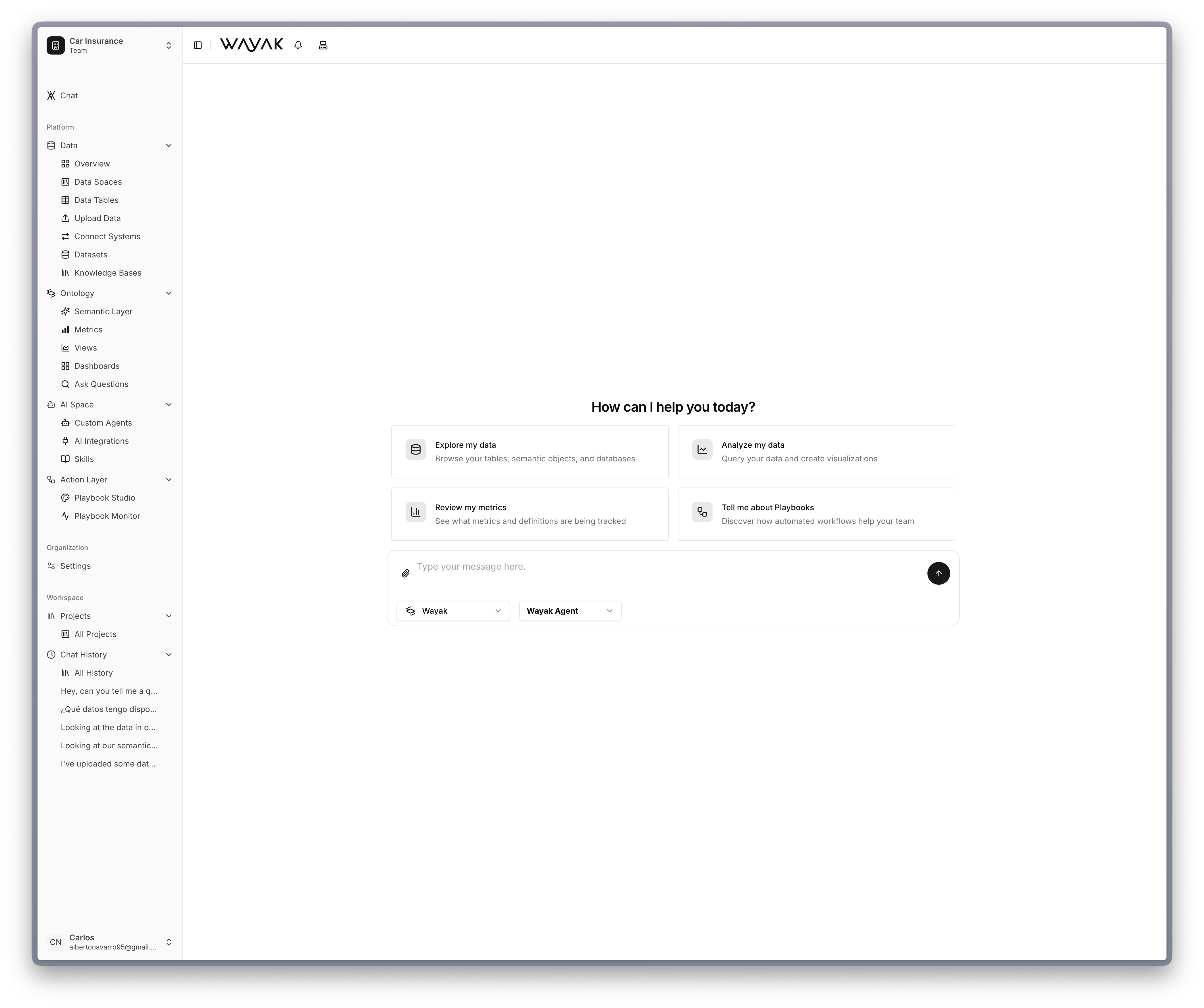
Open the Wayak chat and ask a question about your data. The agent uses your connected data sources, knowledge spaces, and semantic layer to find the answer.
The Wayak chat interface with quick-start prompt cards
Try something like:
Structured data questions
“What were our top 10 customers by revenue last quarter?”
“How many new accounts were created this month?”
“Show me the average order value by region for the past 6 months”
Document questions
“Summarize the key points from the Q3 board deck”
“What does our expense policy say about international travel?”
“Find any mention of pricing changes in the sales playbook”