

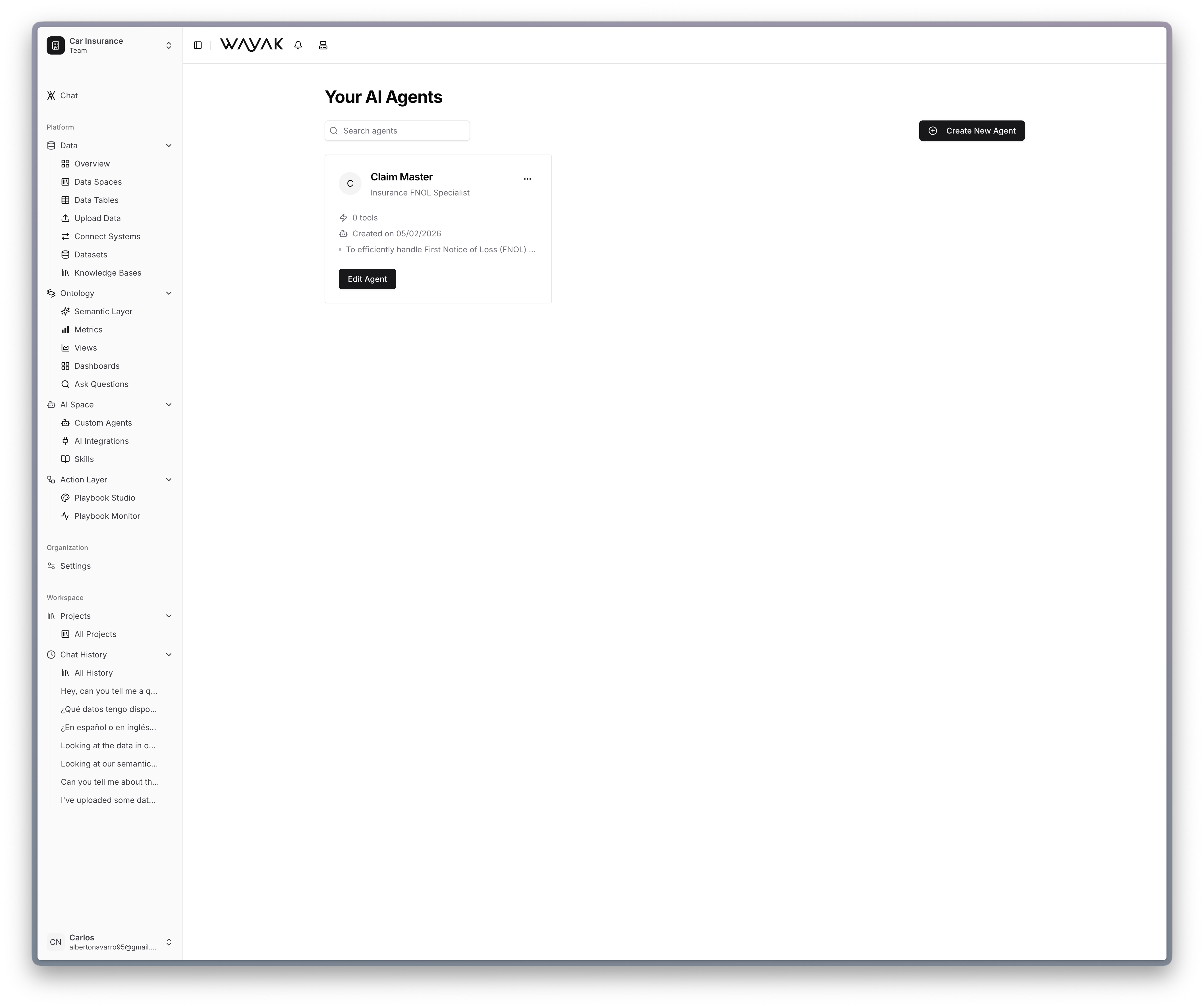
Create and manage custom agents in the agent space
What’s in the agent space
Custom agents
Define AI personas with specific roles, goals, and behavioral guidelines. Each agent is scoped to the data and tools it needs.
Skills
Write procedural instructions that teach agents how to perform specific tasks — step by step, in plain language.
App integrations
Connect agents to the tools your team already uses — Slack, email, CRMs, and more.
Examples
Browse concrete agent and skill examples for manufacturing, customer service, insurance, and more.
How agents use the platform
Every agent in Wayak draws on four layers to do its work:Data sources
Query databases, APIs, and uploaded files. The agent has direct access to your structured data and can run queries against it.
Knowledge bases
Search and read unstructured documents — PDFs, reports, presentations, internal docs. The agent finds relevant passages and cites them.
Ontology
Understand your business metrics, terminology, and relationships. The ontology tells the agent what “revenue” means and how to compute it.
Skills
Execute defined actions and workflows. Skills give agents the procedural knowledge to do things — not just answer questions.
The combination of data access, business understanding, and actionable skills is what makes Wayak agents agentic — they don’t just answer questions, they get things done.