

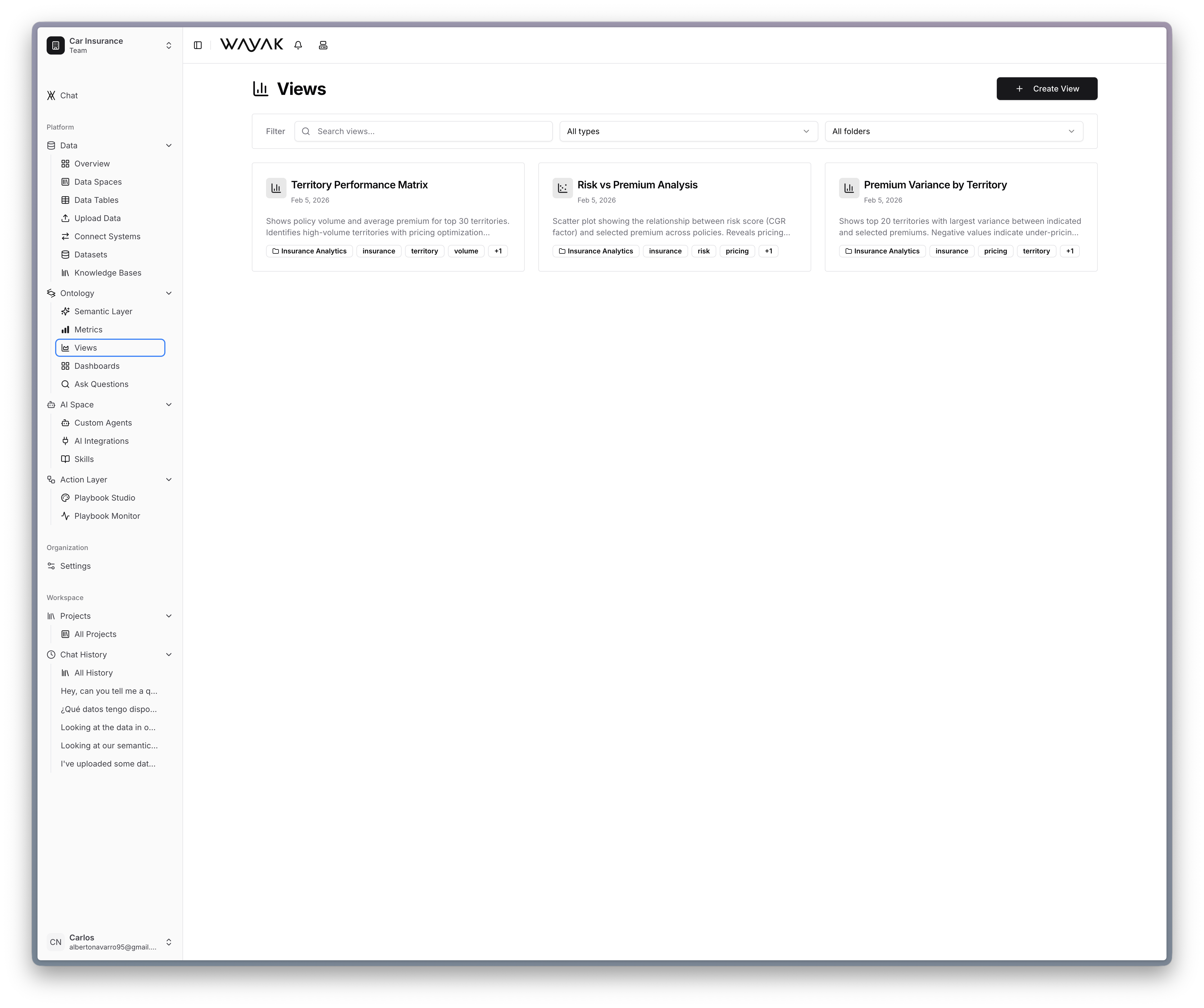
Browse saved views — each answers a specific business question
What a view is
A view is a saved visualization that answers a specific question. It can be:- A line chart showing revenue over time
- A bar chart comparing sales by region
- A table listing top customers by spend
- A KPI card displaying a single number like total active users
How views use the ontology
Views are built on top of your ontology definitions. A view references:- Metrics — what to measure (revenue, count, average)
- Dimensions — how to break it down (by region, by month, by product)
- Filters — what to scope (last 90 days, active customers only)